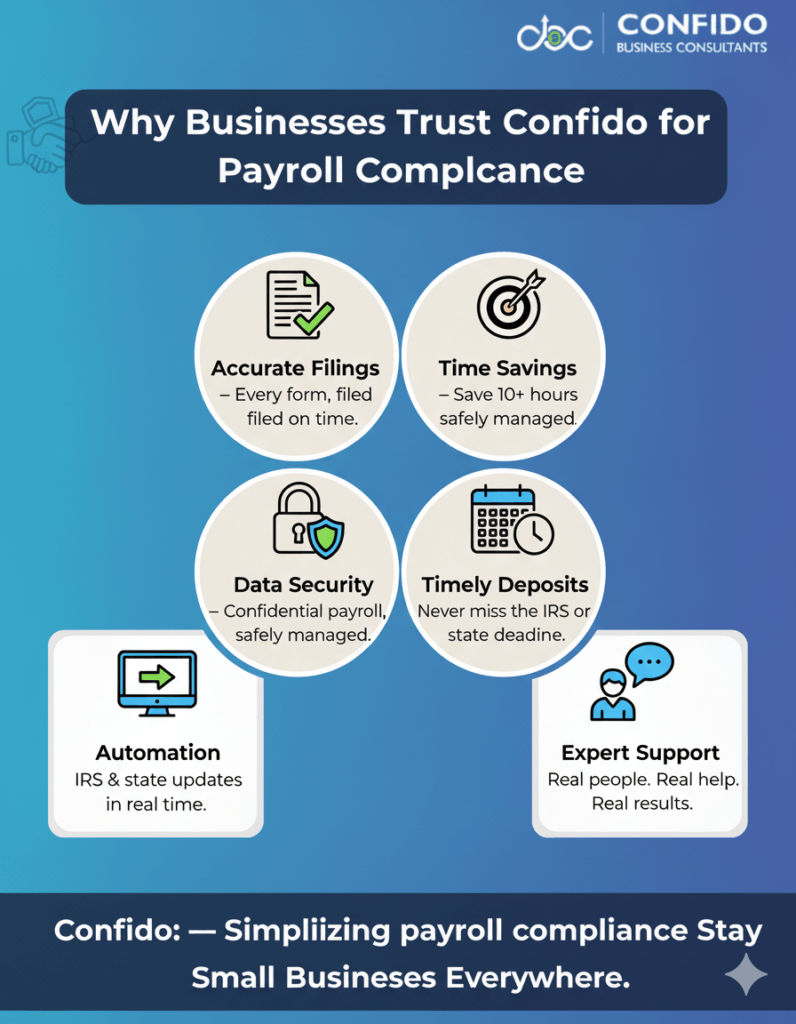


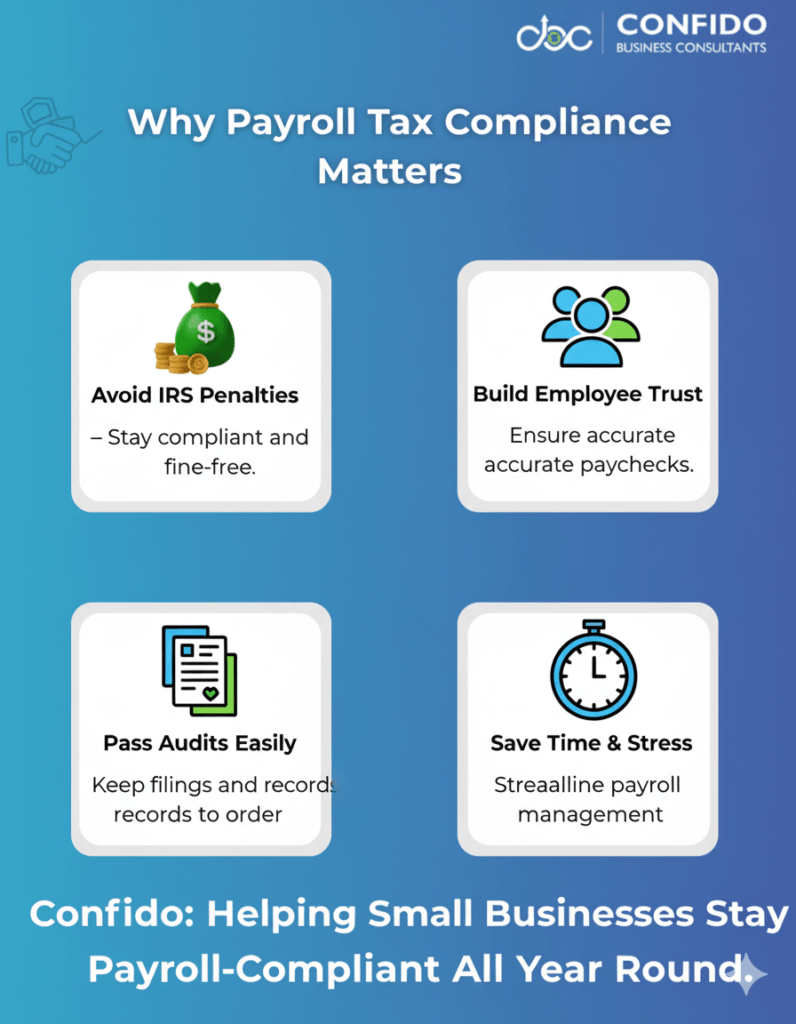
Introduction – Why Payroll Tax Compliance Matters for Small BusinessesRunning payroll might seem as simple as issuing paychecks, but for small businesses, it’s much more than that. Each paycheck triggers a web of tax responsibilities, reporting rules, and deadlines that business owners must get right to stay compliant with the IRS and state authorities. If you’re a growing business with your first few employees, you’re likely searching for a clear, reliable checklist — one that helps you confidently manage payroll taxes without missing filings or facing penalties. That’s exactly what this guide is designed to provide. Why Payroll Tax Compliance MattersPayroll compliance is about more than just paying your team — it’s about protecting your business from costly mistakes.
In other words, getting payroll right isn’t optional — it’s foundational to operating legally and sustainably. The Goal: Accurate, Timely Payroll FilingsThis Payroll Tax Compliance Checklist for Small Businesses gives you a step-by-step roadmap to ensure every part of your payroll process — from employee classification to tax deposits — meets federal and state standards. Whether you’re using QuickBooks Payroll, managing things manually, or considering outsourcing, this guide will help you:
💡 Payroll compliance doesn’t have to feel like walking on eggshells. Talk to our experts at Confido and make your payroll process fully compliant — without the stress.
| ||||||||||||||||||||||||||||
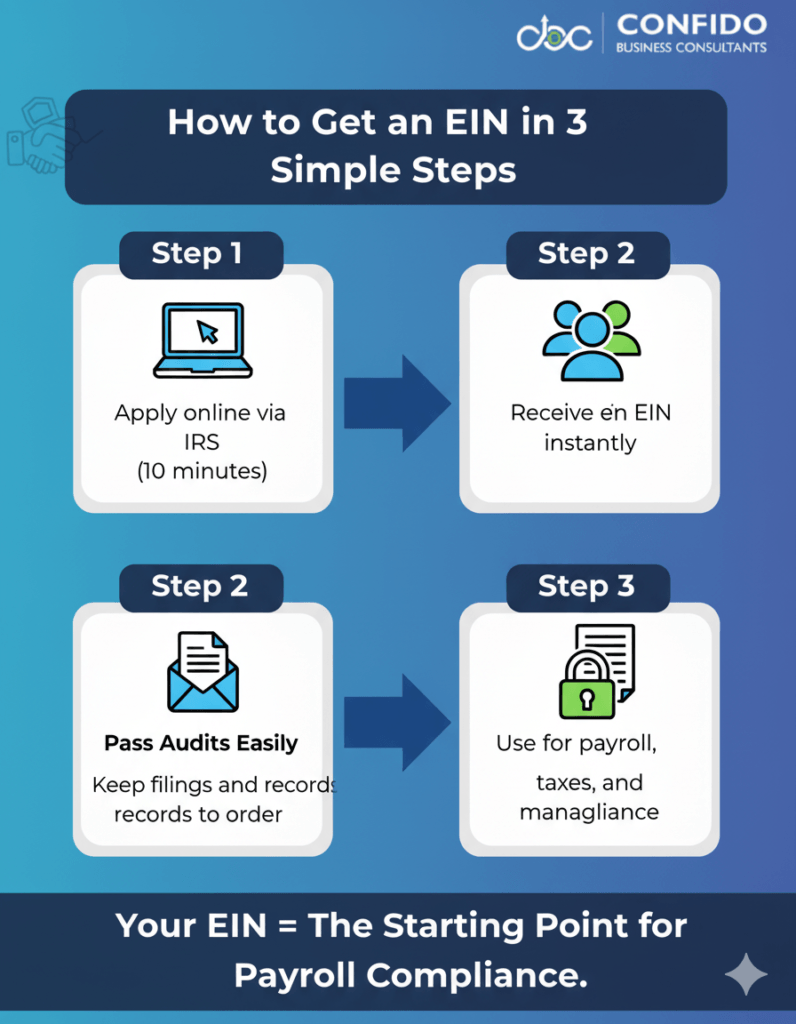
Step 1: Obtain an Employer Identification Number (EIN)Before you can hire employees or pay taxes, your business needs an Employer Identification Number (EIN) — a unique nine-digit number assigned by the IRS. Think of it as your business’s Social Security Number for all things tax-related. Why It’s EssentialYour EIN is required for almost every aspect of payroll and tax compliance:
Without an EIN, you can’t legally report payroll taxes or withhold employee taxes on behalf of the IRS. It’s the foundation for every payroll and compliance process that follows. How to Apply for an EINThe process is straightforward and free — but it’s crucial to do it correctly.
Pro TipIf you change your business structure (e.g., from sole proprietorship to LLC or corporation), you’ll likely need a new EIN. Always consult your bookkeeper or CPA before making structural changes to ensure continued compliance.
💡 Getting your EIN is just the first step — ensuring it’s properly linked to your payroll and compliance systems is where expertise matters. Get in touch with Confido to set up a compliant payroll foundation for your business.
| ||||||||||||||||||||||||||||
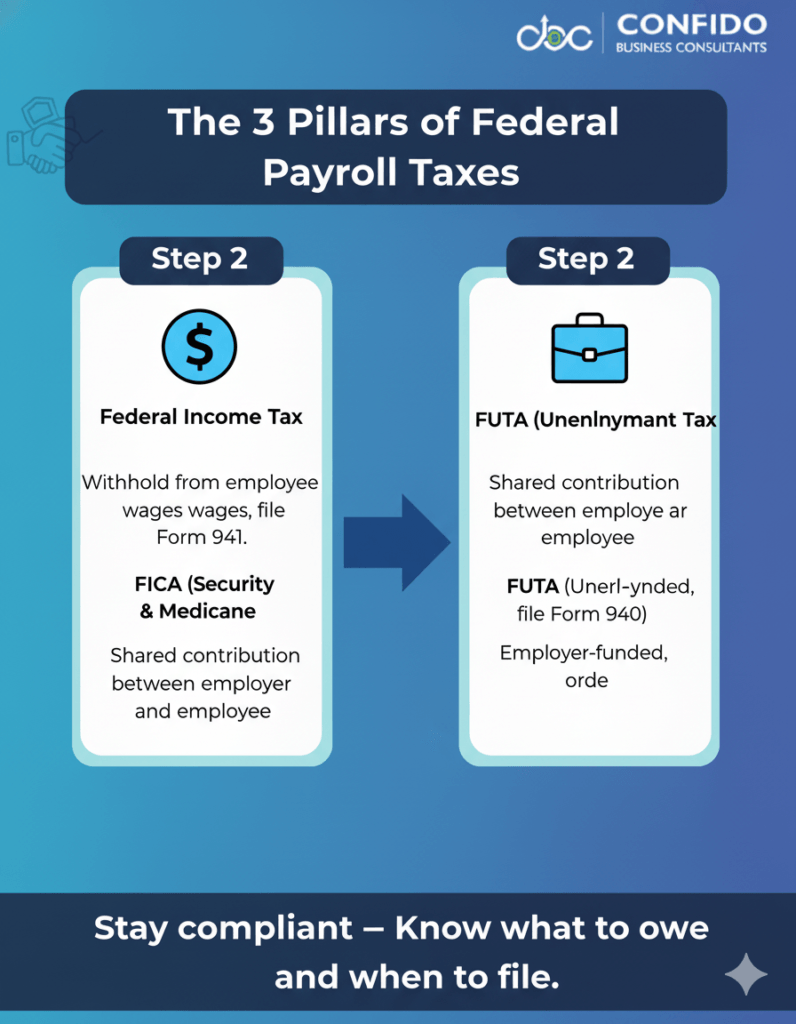
Step 2: Understand Federal Payroll Tax ObligationsOnce you’ve obtained your Employer Identification Number (EIN), your next major step is understanding — and properly managing — your federal payroll tax responsibilities. Every employer in the U.S. must withhold, deposit, and report certain federal taxes from employee paychecks. Getting this right ensures compliance with the IRS and protects your business from unnecessary penalties or audits. Federal Income Tax WithholdingEvery time you pay your employees, you’re responsible for withholding federal income tax from their wages.
Why it matters: Social Security & Medicare Taxes (FICA)FICA stands for the Federal Insurance Contributions Act, which funds Social Security and Medicare — essential benefits for U.S. employees. Employers and employees share the responsibility for paying these taxes:
You must:
Common mistake to avoid: Forgetting to match the employee’s FICA contribution with the employer’s share. The IRS can impose fines if deposits are incomplete. Federal Unemployment Tax (FUTA)The Federal Unemployment Tax Act (FUTA) funds unemployment compensation for workers who lose their jobs.
Pro Tip:
💡 Federal payroll compliance doesn’t have to be overwhelming. Confido’s payroll specialists help small businesses automate withholdings, filings, and tax deposits to stay penalty-free. Talk to our team today to simplify your payroll management.
| ||||||||||||||||||||||||||||
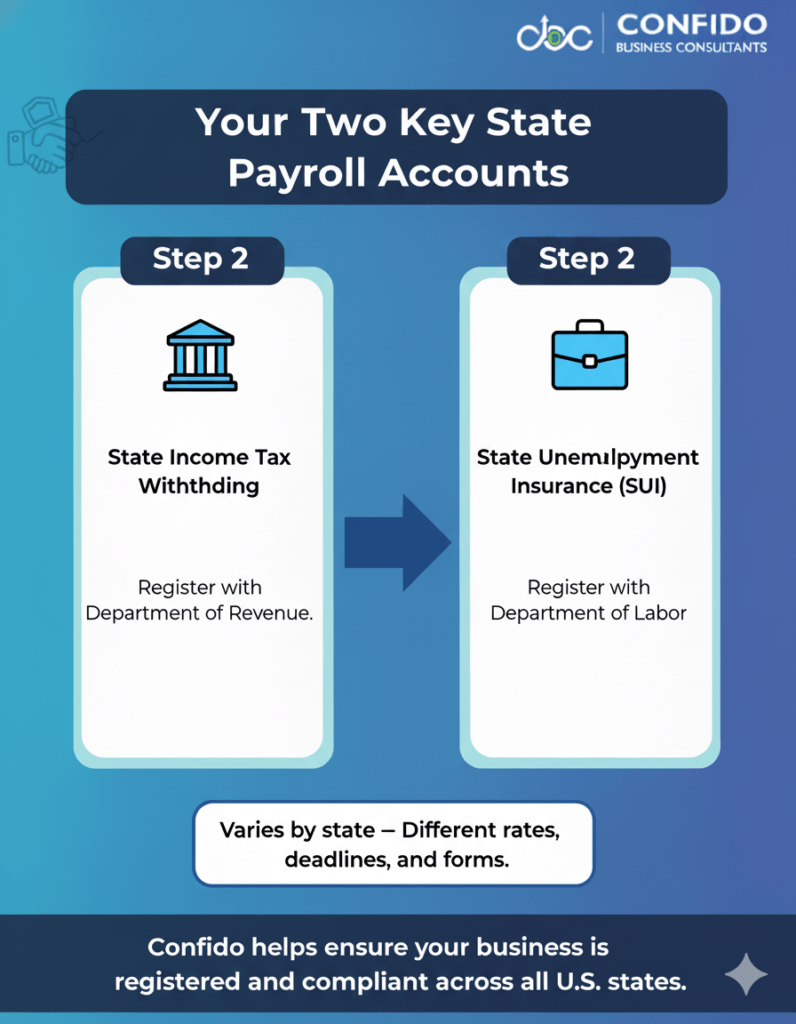
Step 3: Register for State Payroll TaxesAfter setting up your federal payroll accounts, your next step is registering with your state’s tax and labor agencies. Each state has its own payroll tax requirements — and missing even one registration can result in missed filings, penalties, or delays in paying employees. Understanding State Payroll TaxesIn addition to federal taxes, most U.S. states require employers to:
If you employ workers in multiple states (even remote ones), you must register in each state where your employees work — not just where your business is headquartered. State Income Tax WithholdingNearly all states (except Alaska, Florida, Nevada, South Dakota, Texas, Washington, and Wyoming) require income tax withholding.
State Unemployment Insurance (SUI)Employers must also register with their state’s unemployment insurance agency to pay SUI contributions.
Pro Tip: How to Register for State Payroll AccountsHere’s how to get started in most states:
Examples:
💡 Multi-state compliance can be tricky — but it doesn’t have to be. Talk to Confido’s payroll specialists to ensure your business meets every state’s registration, filing, and payment obligations without missing a step.
| ||||||||||||||||||||||||||||
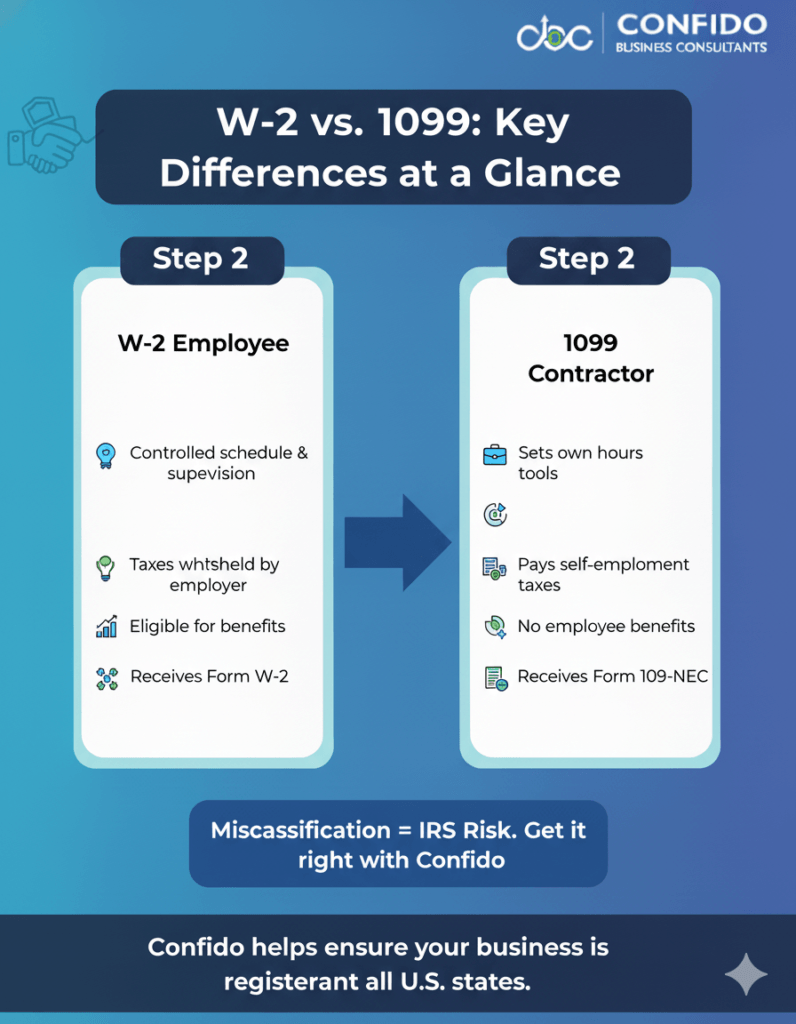
Step 4: Classify Workers Correctly (W-2 vs. 1099)One of the most common and costly payroll mistakes small businesses make is misclassifying workers. Whether someone is an employee (W-2) or an independent contractor (1099) affects how you handle payroll taxes, benefits, and reporting obligations. Getting this wrong can result in IRS penalties, back taxes, and even legal consequences. IRS Guidelines for ClassificationThe IRS uses three key criteria to determine whether a worker is an employee or an independent contractor:
If you’re unsure, the IRS allows you to file Form SS-8 (“Determination of Worker Status”) to request an official ruling. Common Mistakes to Avoid
Misclassification can trigger:
💡 Not sure whether your workers qualify as W-2 employees or 1099 contractors? Get in touch with Confido for a compliance checkup — we’ll help you classify your team correctly and avoid costly IRS mistakes.
| ||||||||||||||||||||||||||||
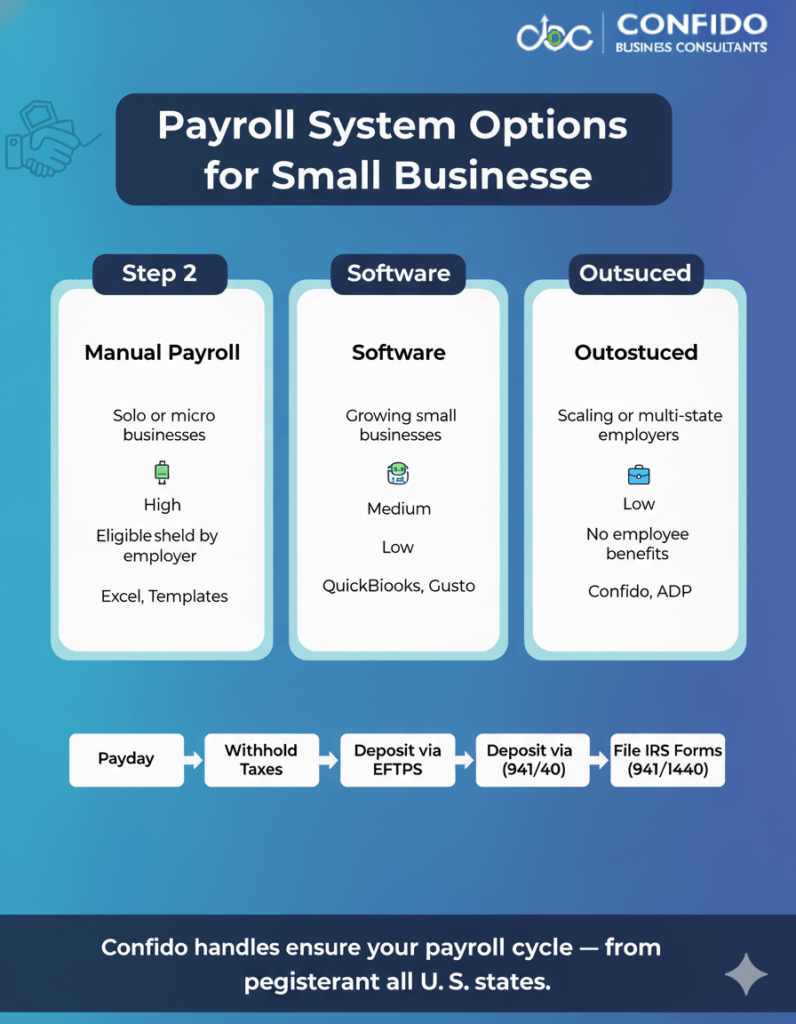
Step 5: Set Up Payroll Systems & Withholding SchedulesOnce your tax registrations and worker classifications are in place, the next step is setting up a reliable payroll system. This is where compliance meets efficiency — ensuring your employees get paid accurately and your business meets every tax deadline. Choosing the Right Payroll SetupSmall businesses typically choose one of three approaches to handle payroll. Each has its pros and cons: 1. Manual PayrollSuitable only for very small businesses (1–2 employees).
2. Payroll SoftwareTools like QuickBooks Payroll, Gusto, and ADP Run automate wage calculations, withholdings, and filings.
3. Outsourced Payroll ServicesThe most efficient and risk-free option for small and growing businesses.
Understanding Deposit Frequency and DeadlinesOnce payroll is running, the IRS requires you to deposit withheld taxes — income tax, Social Security, and Medicare — on a set schedule. There are two main deposit schedules:
You must make all deposits through the Electronic Federal Tax Payment System (EFTPS).
State-level deposits also have their own schedules — usually monthly or quarterly. Always check with your state’s Department of Revenue for local deadlines.
💡 If calculating deposits and managing multiple deadlines feels overwhelming, you’re not alone. Talk to Confido — our payroll specialists can automate filings, track due dates, and keep your business 100% compliant.
| ||||||||||||||||||||||||||||
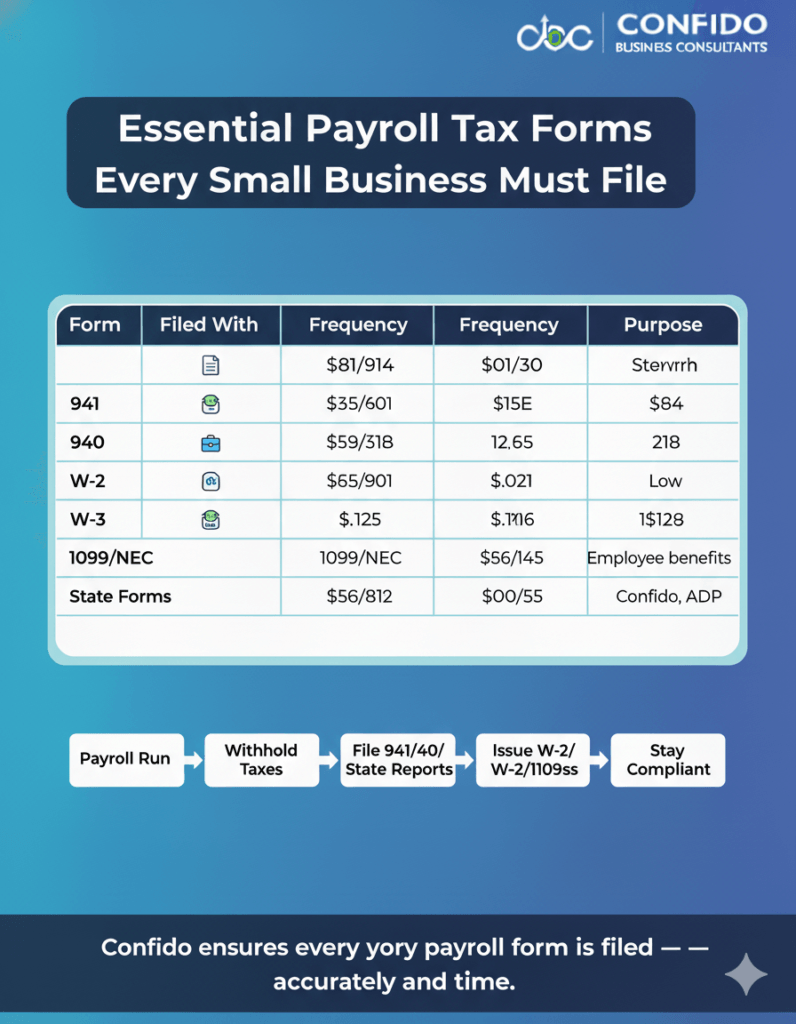
Step 6: File the Right Payroll Tax FormsNow that your payroll system is up and running, it’s time to make sure all the required tax forms are filed accurately and on time. These filings keep your business compliant with both federal and state regulations — and ensure your employees receive correct wage and tax documents. Missing or misfiling any of these can result in steep IRS fines or delays in tax processing, so it’s essential to understand what each form does and when it’s due. Key Federal Payroll Tax FormsHere’s a breakdown of the most important payroll forms small businesses must file with the IRS: Form 941 – Employer’s Quarterly Federal Tax Return
Form 940 – Employer’s Annual Federal Unemployment (FUTA) Tax Return
Forms W-2 & W-3 – Wage Reporting for Employees
Form 1099-NEC – Reporting for Independent Contractors
Pro Tip: Always verify EINs and Social Security Numbers on W-2s and 1099s before submission — mismatched information can delay filings or trigger IRS error notices.
State-Level Payroll FilingsEach state has its own payroll reporting system. Generally, you’ll need to:
Example:
💡 Filing multiple payroll tax forms across federal and state agencies can be confusing and time-consuming. Let Confido handle your filings, submissions, and deadlines — so you never miss a form or a date. Talk to our compliance experts today.
| ||||||||||||||||||||||||||||
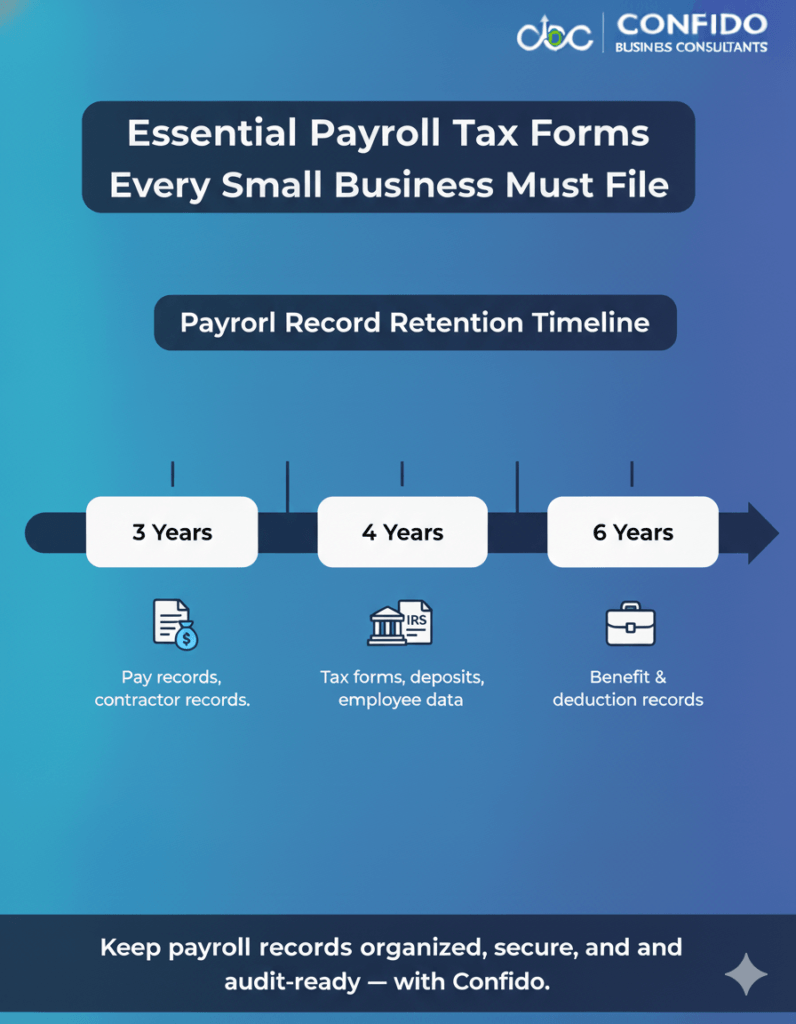
Step 7: Keep Accurate Payroll RecordsEven if your payroll taxes and filings are flawless, poor recordkeeping can still put your business at risk. The IRS and Department of Labor (DOL) require employers to maintain detailed payroll records — not just for compliance, but also to defend your business in case of an audit, employee dispute, or benefits claim. Good recordkeeping shows that your business is transparent, compliant, and trustworthy — three things every growing company should be known for. Required Payroll Documents to RetainHere’s a checklist of the essential payroll records every small business should keep:
🕒 Retention Tip: Always start counting retention years from the date the tax was due or paid — whichever is later.
Digital Recordkeeping Best PracticesGone are the days of filing cabinets and paper chaos. The IRS allows electronic recordkeeping as long as records are accurate, accessible, and secure. Here’s how to modernize your system:
💡 If you’re still juggling paper files or outdated systems, it’s time to simplify. Talk to Confido to set up a secure, compliant, and fully digitized payroll recordkeeping system that saves time and protects your business.
| ||||||||||||||||||||||||||||
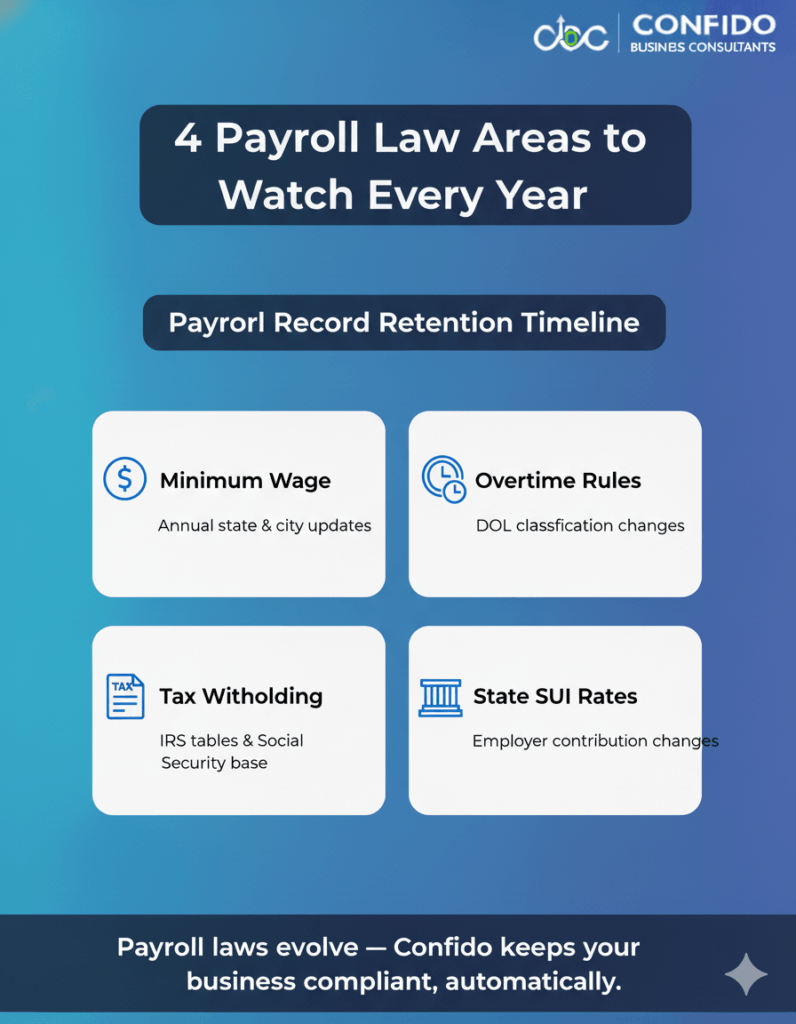
Step 8: Stay Up-to-Date on Law ChangesPayroll tax compliance isn’t a one-time setup — it’s a continuously moving target. Every year, federal and state agencies update laws related to minimum wage, tax rates, overtime rules, and withholding thresholds. Staying informed ensures your business remains compliant and avoids costly surprises. For small businesses, these changes can be easy to miss — yet even minor oversights (like an outdated withholding rate) can lead to payroll errors, back payments, or penalties. Key Payroll Law Changes to Monitor1. Minimum Wage AdjustmentsMinimum wage rates often change annually — sometimes midyear.
2. Overtime & ExemptionsThe Fair Labor Standards Act (FLSA) governs overtime pay and employee classification.
3. Tax Withholding and FICA RatesEach year, the IRS updates:
These updates directly affect how much you withhold and remit for each employee.
4. State Payroll Tax Rate ChangesState unemployment (SUI) rates and taxable wage bases vary annually. New employers are usually assigned a standard rate, while experienced employers receive a rate based on prior claims.
💡 Payroll regulations shift constantly — but you don’t have to track every update yourself. Talk to Confido, and our compliance experts will monitor every IRS and state change to keep your payroll systems automatically aligned with the latest rules.
Trusted IRS and DOL Resources to FollowTo stay current, bookmark and regularly check:
| ||||||||||||||||||||||||||||
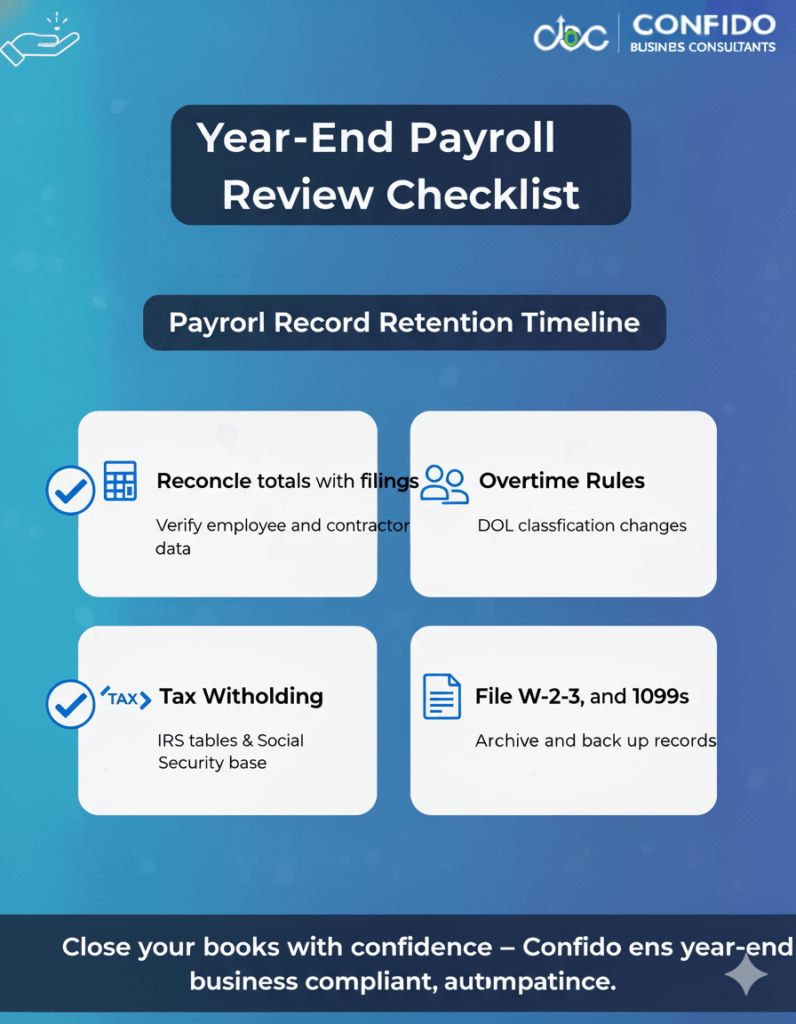
Step 9: Conduct Year-End Payroll ReviewAs the year draws to a close, it’s time to tie everything together with a year-end payroll review — your final checkpoint before tax season. This process ensures all employee data, wage totals, and filings align perfectly, helping you avoid IRS discrepancies and employee complaints. Think of this as your “financial hygiene” step — cleaning up errors before they snowball into costly fixes later. A: Reconcile Year-to-Date TotalsStart by verifying that your payroll records match your filed tax forms and bank statements.
If you find discrepancies, correct them before issuing W-2s or 1099s. B: Verify Employee & Contractor InformationBefore you file your year-end forms, make sure every worker’s personal and tax information is correct.
Mismatched details can trigger filing errors and IRS rejection notices. C: Prepare and File W-2s and 1099sNow that everything’s reconciled, it’s time to issue annual forms:
If you use payroll software or outsource your payroll, these forms can often be generated automatically. Still, review them manually for accuracy before submission.
💡 Confido makes year-end payroll effortless. From reconciliations to filings, we handle W-2s, 1099s, and every compliance detail — ensuring your books are closed and IRS-ready. Talk to us today to simplify your year-end process.
D: Archive and Back Up RecordsOnce all forms are submitted, save digital and physical copies of:
Keep these for at least four years, as required by the IRS.
| ||||||||||||||||||||||||||||
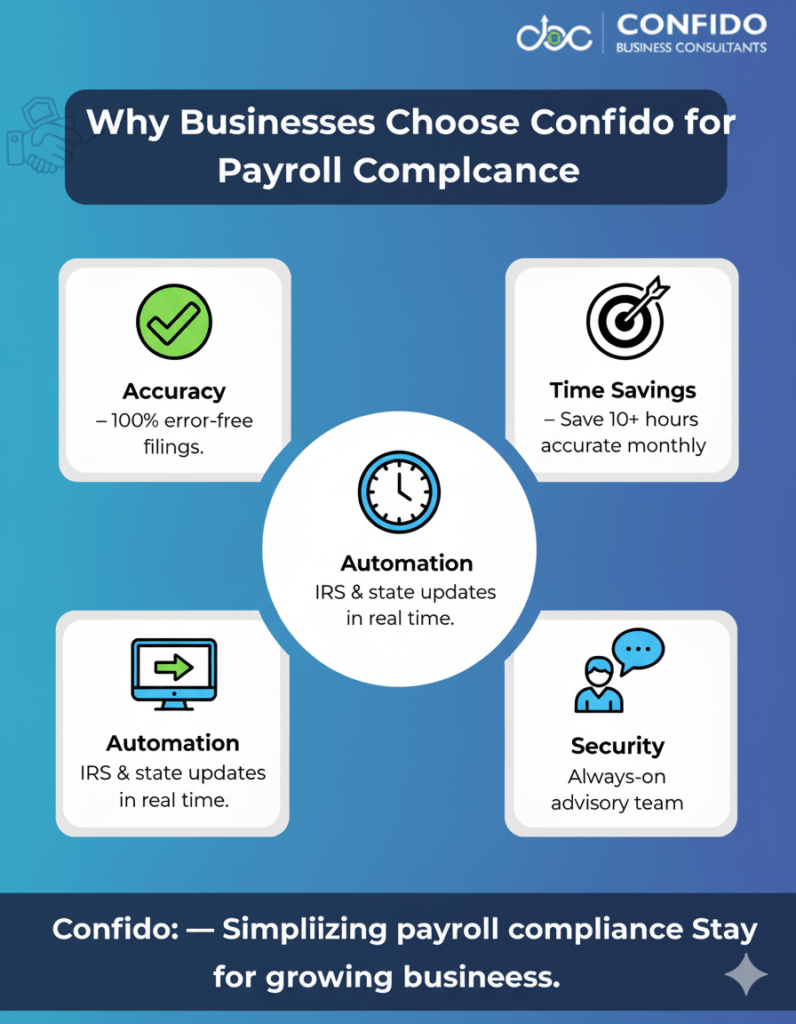
Step 10: Consider Outsourcing Payroll Tax ComplianceEven the most organized small business owners can feel overwhelmed by the complexity of payroll compliance. From changing tax laws to multiple filing deadlines and data security concerns, managing payroll in-house can quickly become a full-time job. That’s why more small businesses are choosing to outsource payroll tax compliance — not as an expense, but as a strategic investment in accuracy, efficiency, and peace of mind. Why Outsourcing Saves Time and Reduces Risk1. Avoid Costly Penalties and ErrorsAccording to the IRS, nearly 40% of small businesses incur payroll-related penalties each year — often due to missed deadlines, miscalculations, or late filings. 2. Stay Current with Tax Law ChangesPayroll regulations shift constantly — from new wage thresholds to IRS filing updates. Outsourced providers stay on top of every change, ensuring your business always remains compliant without you having to track a single update. 3. Save Hours Every MonthProcessing payroll, filing taxes, and managing reports can consume 10–20 hours per month for small business owners. 4. Ensure Data Security and PrivacyReputable providers use bank-grade encryption, secure data storage, and multi-factor authentication to protect sensitive payroll information — far safer than spreadsheets or email-based records. 5. Simplify Multi-State and International ComplianceIf you employ remote workers or international contractors, payroll compliance can become even trickier. Outsourced teams like Confido manage state registrations, tax rates, and international remittance compliance seamlessly.
💡 Tired of worrying about tax deadlines, filings, and audits? Talk to Confido and let our experts handle your entire payroll compliance — from calculations and deposits to IRS and state filings — so you can focus on growing your business.
How Confido Ensures Full ComplianceAt Confido, we go beyond processing payroll — we build a system designed for complete transparency and accuracy. Here’s how:
|
Payroll tax compliance may seem like a routine task — but for small businesses, it’s one of the most crucial pillars of financial stability.
Each paycheck represents not just compensation to your team, but a responsibility to the IRS, state authorities, and your employees’ trust.
Yet, between evolving tax laws, multiple filing deadlines, and ever-changing rates, it’s easy for even experienced business owners to feel uncertain.
That’s why compliance isn’t just about knowing the rules — it’s about having the right system and partner to ensure nothing slips through the cracks.
At Confido, we help small businesses:
- Stay compliant with federal, state, and local payroll tax regulations.
- Automate deposits, filings, and year-end forms with precision.
- Prevent penalties and minimize audit risks.
- Gain back valuable time to focus on what truly matters — growing their business.
With our expert oversight, real-time compliance monitoring, and secure digital systems, you’ll never have to stress about payroll again.
 Ready to make payroll compliance one less thing to worry about? Talk to Confido today — and let our experts handle the taxes, filings, and deadlines while you focus on running your business.