

Do I Need a Bookkeeper if I Use QuickBooks?IntroductionIf you’re already using QuickBooks, this question is completely logical. Many small business owners assume that once they invest in accounting software, the need for a bookkeeper disappears. After all, QuickBooks is powerful, automated, and widely trusted. It connects to your bank, categorizes transactions, and generates reports. On the surface, it can feel like everything is handled. So it’s natural to wonder: “If QuickBooks is doing the bookkeeping, why would I still need a professional bookkeeper?” This isn’t a beginner’s doubt. It’s a smart business question. In fact, most founders asking this are trying to be efficient. They want to reduce overhead, simplify operations, and avoid unnecessary costs. They’re not avoiding bookkeeping. They’re trying to optimize it. The reality, however, is more nuanced. QuickBooks is an exceptionally useful tool. But like any tool, its effectiveness depends on how it is set up, interpreted, and maintained. Automation can accelerate processes, yet it cannot replace financial judgment, contextual understanding, or compliance awareness. That’s where confusion often begins. Some businesses successfully run QuickBooks with minimal external help. Others unknowingly accumulate errors, misclassifications, and reporting inaccuracies that only surface during tax season, audits, or cash flow problems. This guide provides a clear, honest breakdown of the issue. No exaggerated claims. No fear-based selling. Just a practical explanation of how QuickBooks bookkeeping works, where software alone can fall short, and how to decide what level of support your business actually needs. Whether you’re managing DIY bookkeeping in QuickBooks or evaluating QuickBooks bookkeeping services, the goal is simple: 👉 Help you make a confident, informed decision.
|
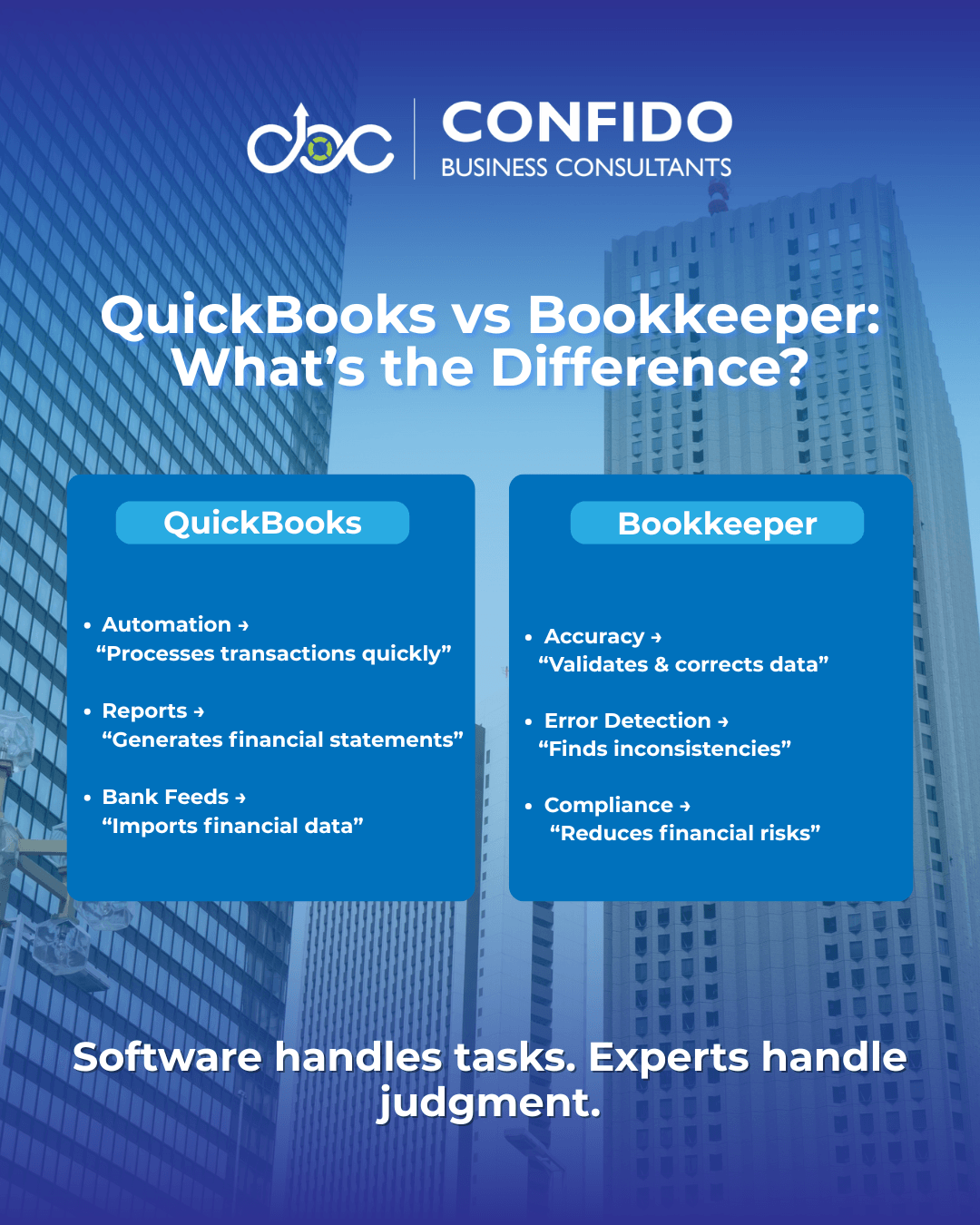
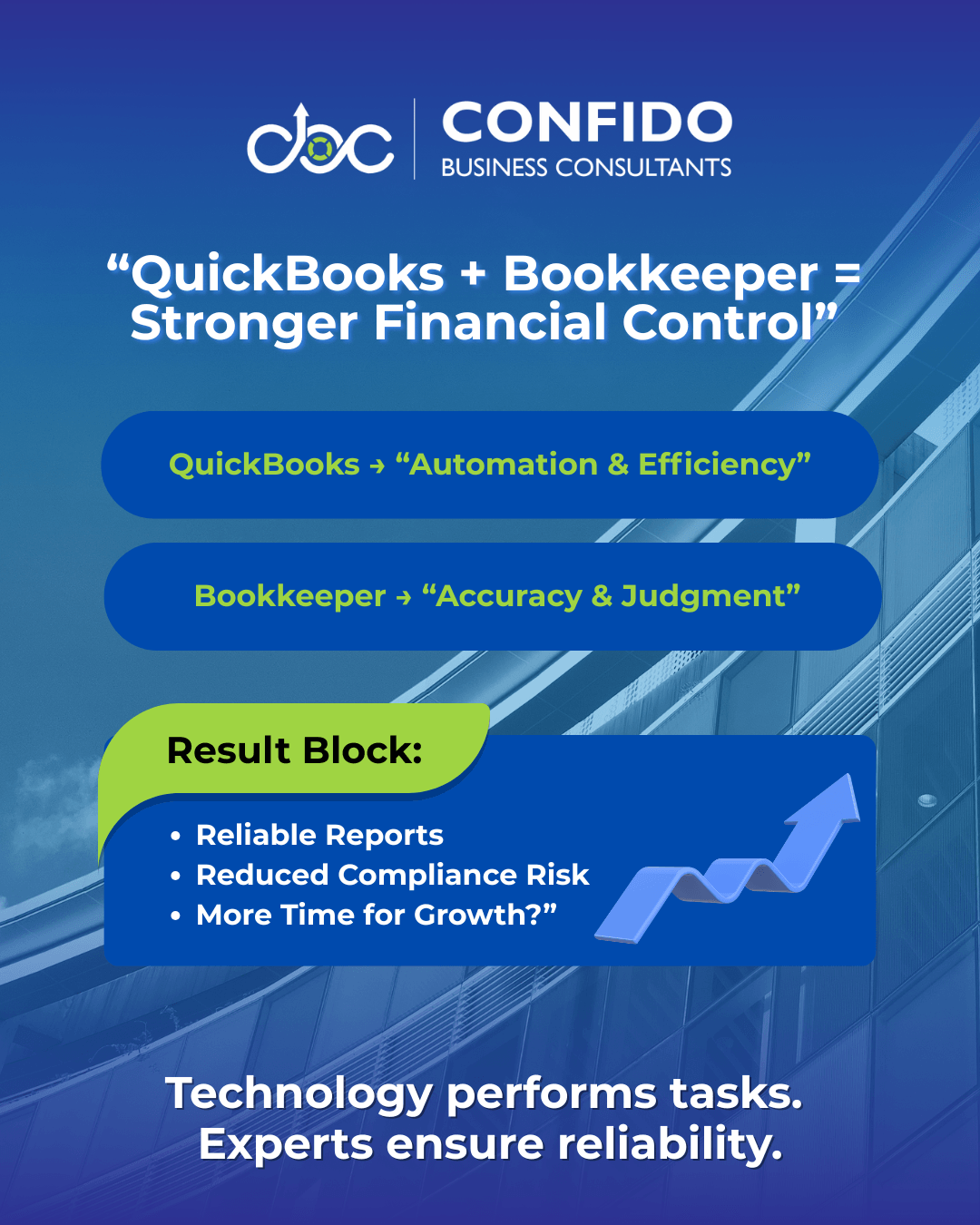
Direct AnswerYes. In most cases, QuickBooks does not replace a bookkeeper. QuickBooks is one of the most powerful cloud bookkeeping solutions available to small businesses today. It automates calculations, connects bank feeds, generates reports, and simplifies many accounting tasks. But it is still a tool, not a substitute for financial expertise. Using QuickBooks does not eliminate bookkeeping. It changes how bookkeeping is performed. This distinction is important. QuickBooks can record transactions, but it does not fully understand the business context behind those transactions. It can categorize expenses based on rules, yet it cannot reliably detect subtle errors, inconsistencies, or compliance risks without human oversight. For example: QuickBooks can show you a Profit & Loss statement. QuickBooks can import bank transactions. QuickBooks can automate processes. Many small business owners assume that if reports are being generated, bookkeeping must be accurate. In reality, inaccurate inputs often produce misleading outputs. The software functions perfectly, while the financial picture quietly drifts away from reality. This is why QuickBooks vs bookkeeper is not an either-or decision. It is a partnership model. QuickBooks handles speed and automation. For very small or early-stage businesses, QuickBooks alone may be sufficient for a time. But for most growing startups and SMEs, relying entirely on DIY bookkeeping QuickBooks setups introduces risks that compound over months, not days. The key takeaway: 👉 QuickBooks is an excellent system.
|
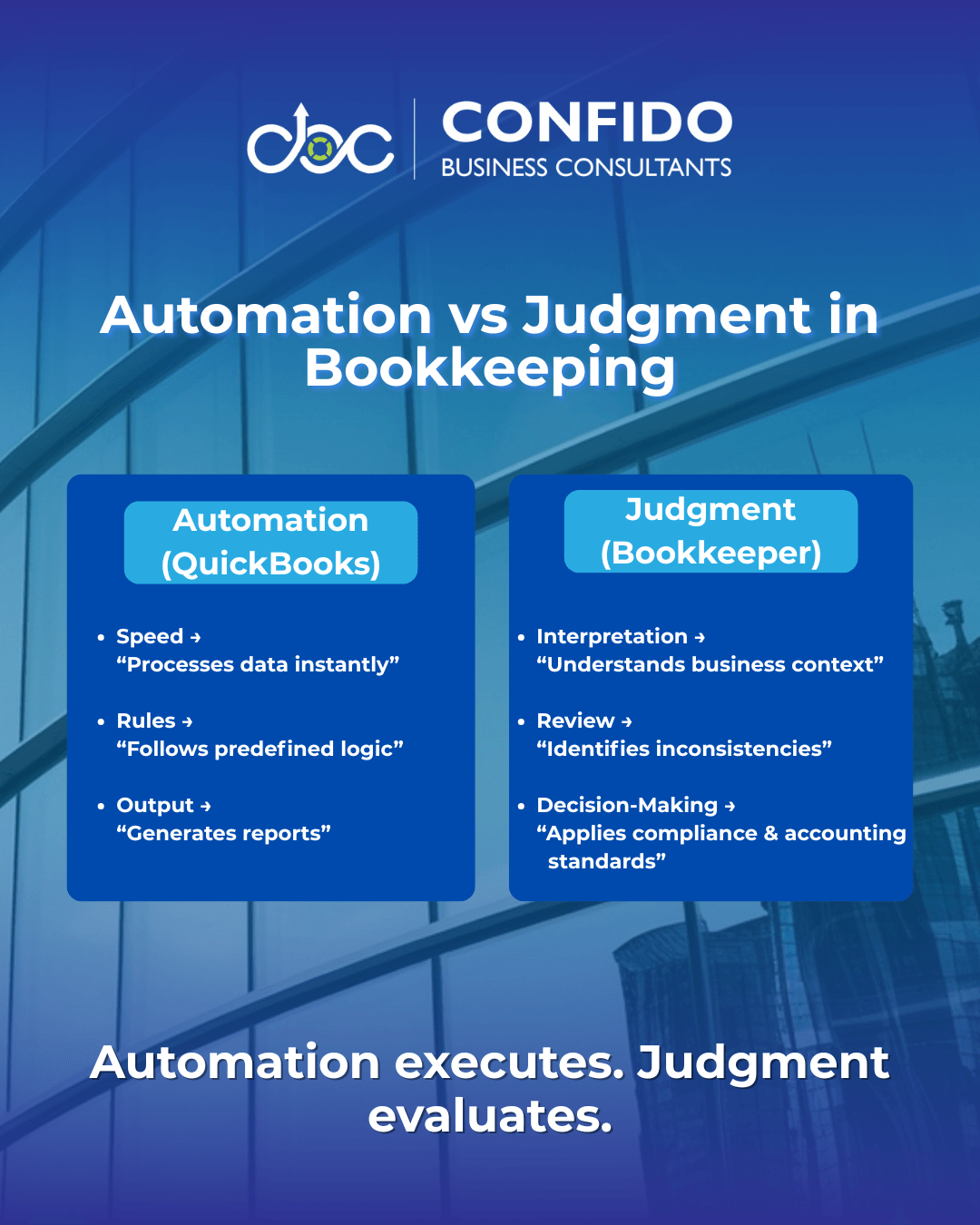
QuickBooks is a Tool, Not a Decision MakerQuickBooks is an exceptionally capable accounting platform. It has transformed how small businesses manage their finances by making bookkeeping faster, more accessible, and far less manual. But understanding what QuickBooks actually does, and what it does not do, is essential for avoiding misplaced confidence. What QuickBooks Actually DoesAt its core, QuickBooks is designed to process and organize financial data. It excels at: Recording transactions For small businesses, this automation is incredibly valuable. Tasks that once required hours of spreadsheet work can now be completed in minutes. Reports that previously demanded technical accounting knowledge are available with a few clicks. In short: 👉 QuickBooks improves efficiency. What QuickBooks Does NOT DoWhere confusion often arises is in assuming automation equals understanding. QuickBooks does not: Interpret business intent behind transactions For example: QuickBooks can categorize an expense automatically. QuickBooks can generate a Profit & Loss report. QuickBooks can follow rules. This is the critical limitation of software-driven systems. Why Automation ≠ JudgmentAutomation is rule-based. Judgment is context-based. QuickBooks operates using predefined logic: “If X happens, assign Y category.” A bookkeeper applies reasoning: “Does this transaction truly belong here based on tax rules, accounting standards, and business reality?” Consider common scenarios: A vendor payment imported twice QuickBooks will process what it receives. That gap between processing and interpretation is where financial inaccuracies quietly emerge. This is why small business bookkeeping QuickBooks setups still depend heavily on human oversight. QuickBooks handles mechanics. When used together, the system becomes powerful. When relied upon alone, the system becomes vulnerable to subtle but costly distortions. 👉 Technology provides speed.
|
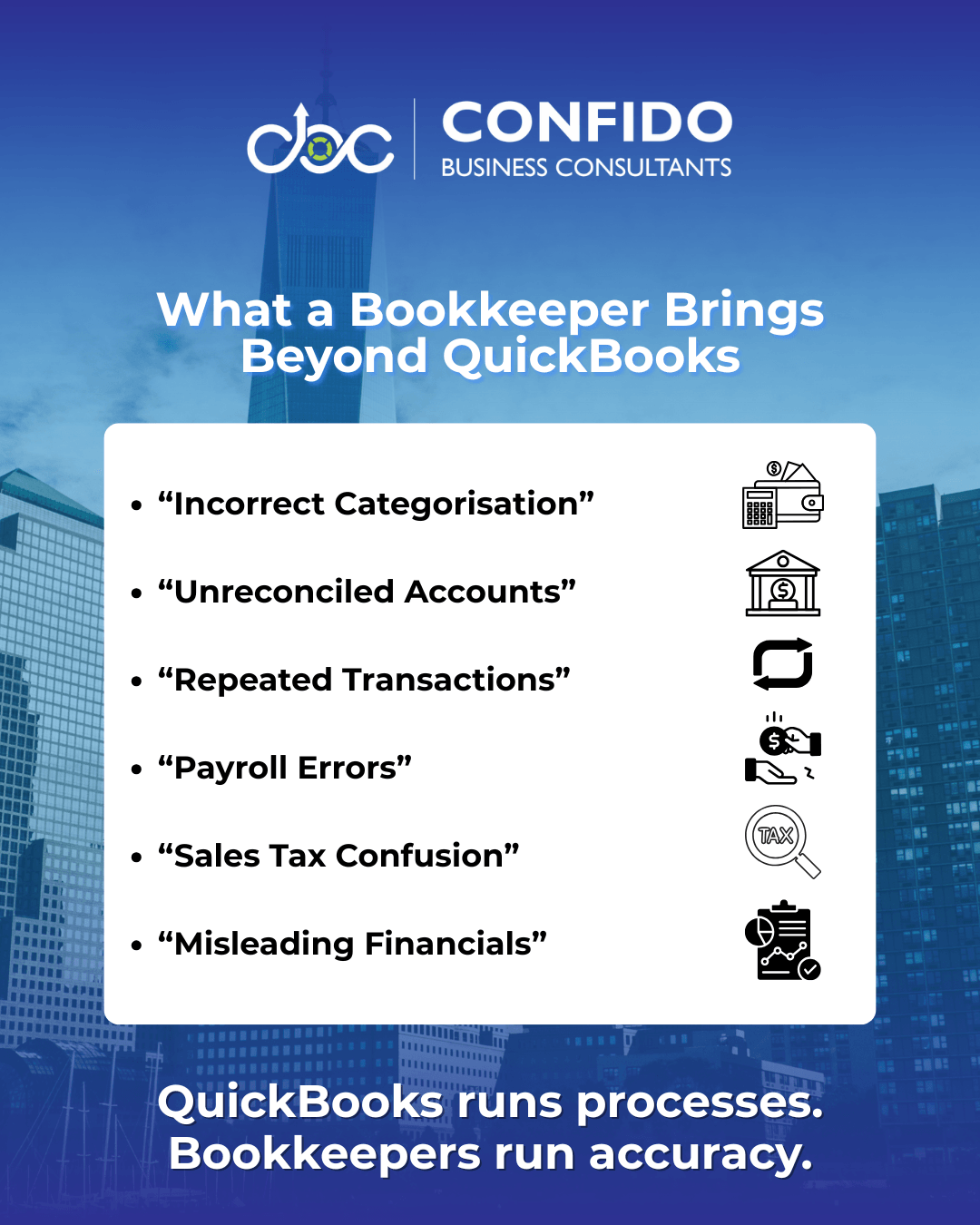
Where QuickBooks Alone Can FailQuickBooks is extremely reliable at processing information. Problems arise not from the software itself, but from how financial data is entered, interpreted, and maintained. Without professional oversight, small inaccuracies can accumulate quietly. Over time, these issues distort reports, disrupt cash flow visibility, and create compliance risks. Here are the most common failure points in DIY bookkeeping QuickBooks environments. Incorrect Expense CategorisationExpense categorisation is one of the most underestimated risks. QuickBooks often assigns categories automatically based on rules or past behaviour. While convenient, these classifications are not always accurate from an accounting or tax perspective. Common examples: Marketing expenses recorded as office supplies The impact: Misleading Profit & Loss statements QuickBooks follows patterns. Unreconciled AccountsBank reconciliation is where bookkeeping accuracy is truly validated. QuickBooks can import transactions from bank feeds, but reconciliation requires confirming that: Every transaction matches reality Unreconciled accounts often lead to: Overstated or understated cash positions Many businesses operate for months with unreconciled accounts, assuming balances are correct simply because transactions appear in the system. Duplicate TransactionsAutomation increases speed. It can also increase duplication. Duplicates commonly occur when: Transactions are imported and manually entered The consequences: Inflated expenses QuickBooks processes duplicates efficiently. Payroll ErrorsPayroll is one of the most compliance-sensitive areas of bookkeeping. QuickBooks Payroll simplifies calculations, yet errors still occur when: Employee classifications are incorrect Payroll inaccuracies can trigger: Tax filing errors This is why QuickBooks bookkeeping services often include payroll oversight. Sales Tax ConfusionSales tax rules are complex and jurisdiction-dependent. QuickBooks can calculate sales tax, but correct setup and maintenance require understanding: Applicable tax jurisdictions Errors frequently arise from: Incorrect tax rates Sales tax mistakes rarely appear obvious. They typically surface during audits or filings. Misleading Financial ReportsPerhaps the most dangerous risk is false confidence. QuickBooks can generate polished reports instantly: Profit & Loss But reports are only as reliable as the data behind them. If transactions are misclassified, duplicated, or unreconciled, reports may look professional while presenting an inaccurate financial picture. This often leads to: Poor pricing decisions QuickBooks presents information. 👉 The core issue is not software failure.
|
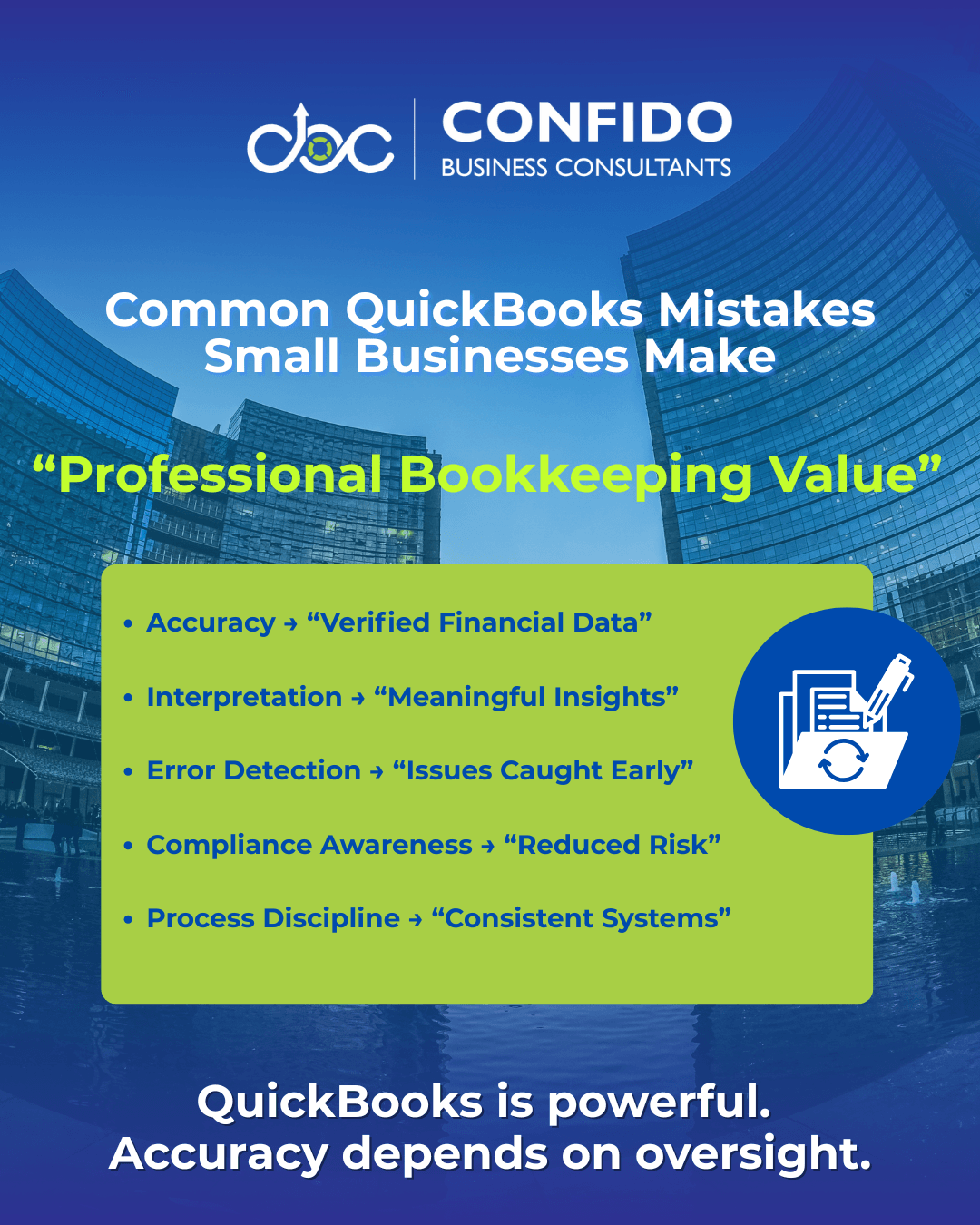
What a Bookkeeper Actually AddsQuickBooks improves bookkeeping efficiency. A bookkeeper improves bookkeeping reliability. This difference is subtle, yet critical for small businesses making financial decisions based on their reports. A professional bookkeeper does not compete with QuickBooks. They make QuickBooks work the way it is meant to. AccuracyAccuracy is the foundation of financial clarity. QuickBooks records transactions based on inputs and rules. A bookkeeper ensures those inputs reflect reality. This includes: Validating transaction classifications Without this layer of oversight, even minor errors can distort profitability, cash flow, and tax calculations. QuickBooks processes data. Financial InterpretationFinancial reports are only useful when they are understood properly. QuickBooks generates statements. A bookkeeper helps interpret what those numbers actually mean for the business. For example: Is rising revenue translating into real profit? Software displays figures. This interpretive role becomes increasingly valuable as businesses scale. Error DetectionErrors are inevitable in bookkeeping. Detection is what protects businesses. A bookkeeper actively looks for: Duplicate transactions Many bookkeeping mistakes are not dramatic. They are subtle, recurring, and compounding. QuickBooks does not reliably challenge anomalies. Compliance AwarenessCompliance is where financial errors become expensive. Bookkeepers understand how bookkeeping interacts with: Tax regulations This does not mean bookkeepers replace CPAs. It means they ensure records are maintained in a way that supports compliance. Proper categorisation QuickBooks enables compliance workflows. Process DisciplineConsistency is one of the most overlooked benefits of professional bookkeeping services. Small business bookkeeping often suffers from irregular habits: Transactions recorded late A bookkeeper introduces structured processes: Monthly closing routines This discipline prevents financial drift and reporting surprises. 👉 QuickBooks provides capability. Together, they create a dependable financial management system. Separately, they create vulnerabilities.
|
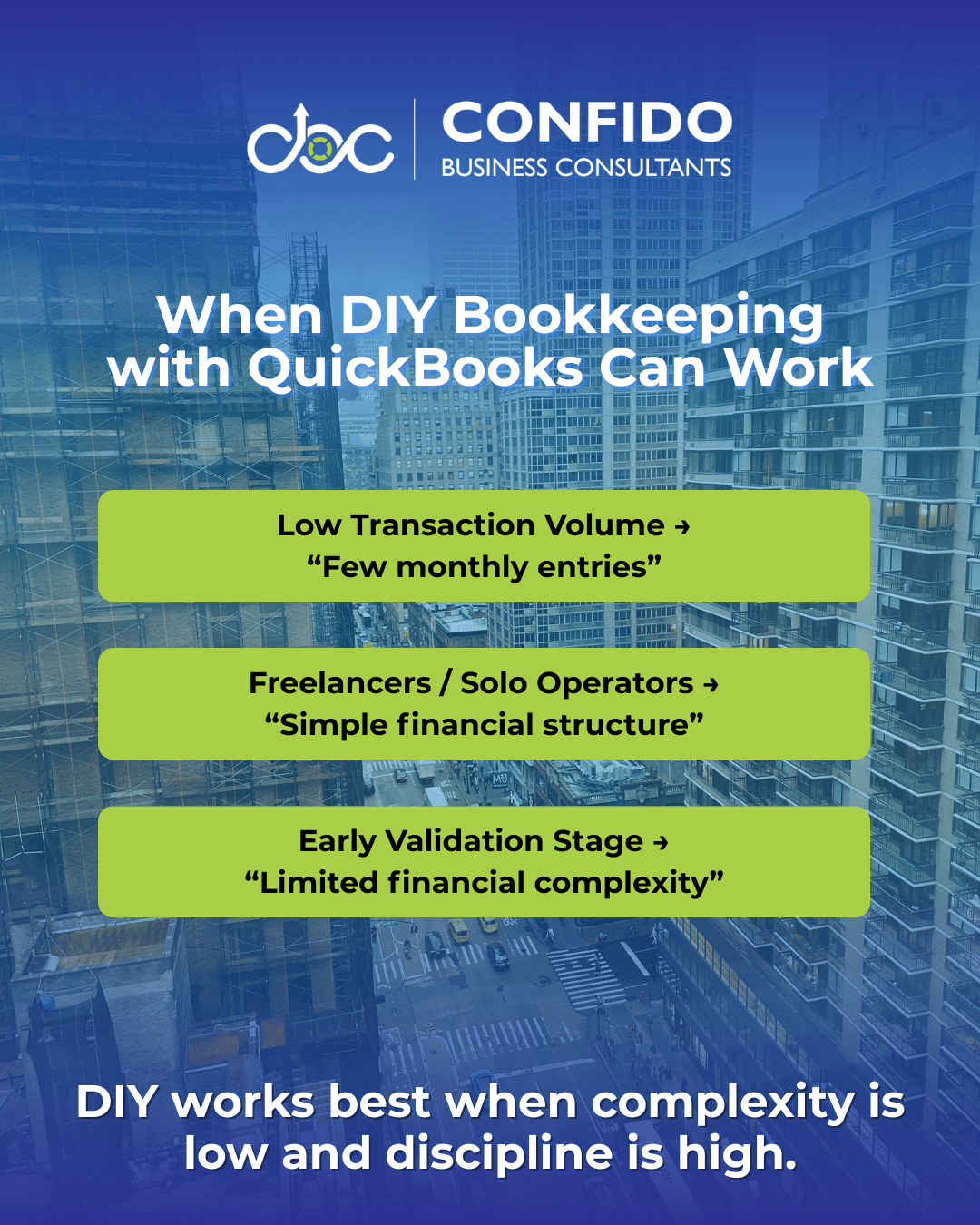
When DIY + QuickBooks MAY WorkNot every business needs outsourced bookkeeping immediately. This is an important truth, and acknowledging it builds clarity rather than pressure. QuickBooks is designed to empower business owners. In certain situations, managing DIY bookkeeping QuickBooks setups can be both practical and efficient. The key is understanding when this approach is genuinely suitable. Very Low Transaction VolumeIf your business has minimal financial activity, QuickBooks alone may be sufficient. Typical examples: A handful of monthly expenses In such cases, bookkeeping is relatively straightforward. The risk of categorisation errors, reconciliation mismatches, or reporting distortions remains low, provided records are maintained consistently. However, “low volume” is often temporary. As transactions increase, bookkeeping complexity grows faster than most owners expect. Freelancers & Solo ConsultantsFor independent professionals, DIY bookkeeping often makes sense, especially during early stages. Examples include: Consultants These businesses typically feature: Simple income streams QuickBooks can efficiently handle invoicing, expense tracking, and basic reporting for solo operators. Still, even freelancers benefit from periodic professional reviews, particularly before tax filings. Early Validation Stage BusinessesStartups in the validation phase often prioritise survival and momentum over financial optimisation. During this stage: Revenue may be inconsistent Using QuickBooks without a dedicated bookkeeper can be reasonable when: Financial activity is limited But this stage rarely lasts long. Once growth begins, DIY systems often become bottlenecks. The Critical CaveatDIY bookkeeping works best when: Records are updated consistently Without discipline, even simple businesses accumulate inaccuracies. QuickBooks simplifies bookkeeping mechanics. 👉 DIY + QuickBooks is often a starting point.
|
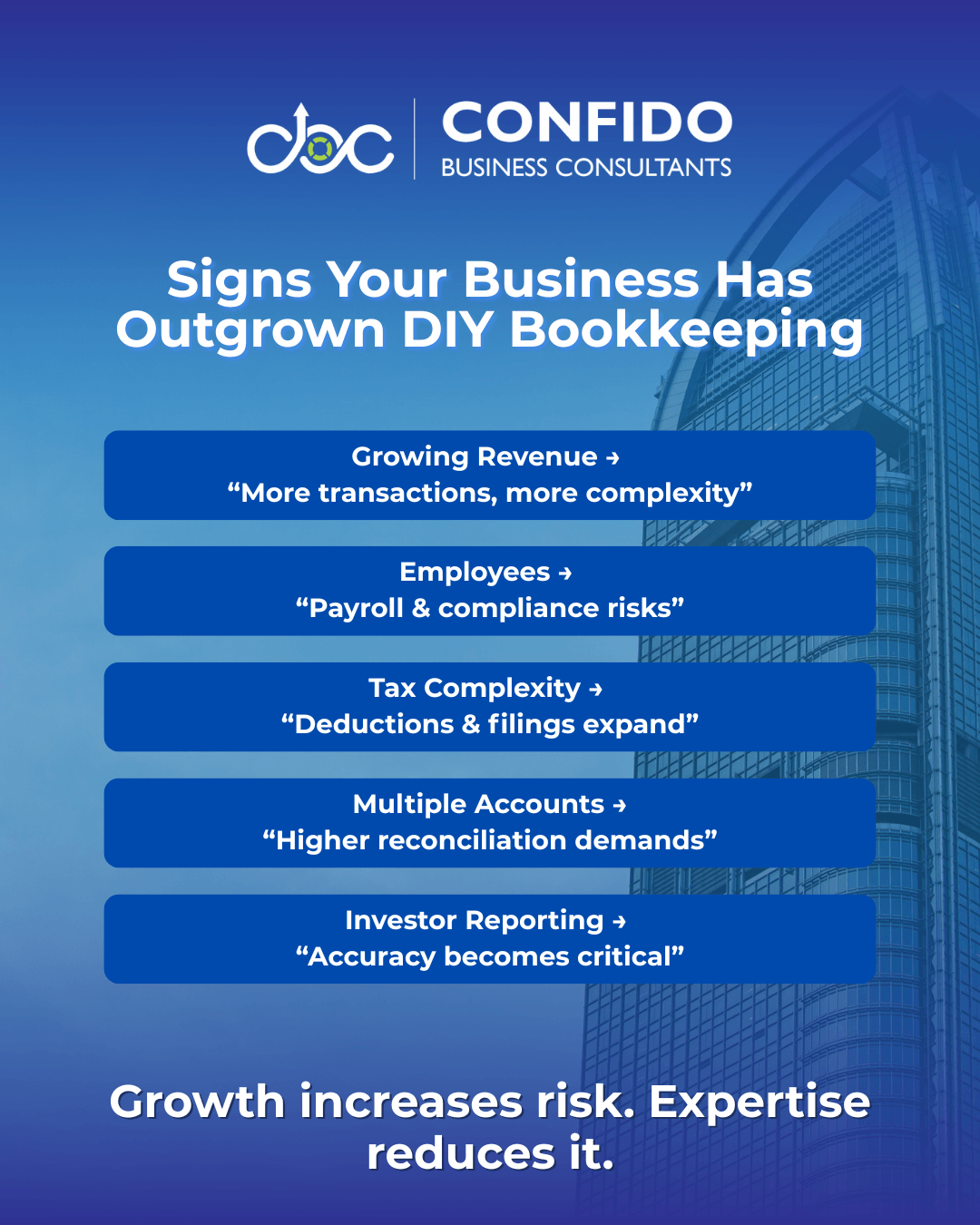
When a Bookkeeper Becomes EssentialWhile DIY bookkeeping QuickBooks setups may work in early stages, most businesses eventually reach a point where software alone is no longer enough. This transition rarely happens overnight. It emerges gradually as financial activity, operational complexity, and risk exposure increase. Here are the most common indicators that professional bookkeeping services become not just helpful, but necessary. Growing RevenueGrowth introduces complexity faster than many founders anticipate. As revenue increases: Transaction volumes rise What once felt manageable inside QuickBooks can quickly become overwhelming. More transactions mean: More opportunities for misclassification At this stage, accuracy becomes critical. Small errors that were previously negligible now influence pricing, forecasting, and profitability analysis. Employees & PayrollHiring employees fundamentally changes bookkeeping risk. Payroll introduces: Wage calculations Even with QuickBooks Payroll, mistakes can occur when: Configurations are incorrect Payroll errors are not merely bookkeeping issues. They are compliance liabilities. This is where QuickBooks bookkeeping services paired with human oversight become extremely valuable. Tax ComplexityAs businesses grow, tax exposure expands. Examples: Multiple deduction categories QuickBooks supports tax workflows. Incorrect categorisation or incomplete records often lead to: Missed deductions Professional bookkeeping ensures your records remain tax-ready year-round, not just at filing time. Multiple Accounts & PlatformsModern businesses rarely operate through a single financial channel. Common scenarios: Multiple bank accounts Each integration increases reconciliation complexity. Without structured oversight: Duplicates emerge QuickBooks processes integrations efficiently. Investor & Lender ReportingOnce external stakeholders enter the picture, bookkeeping accuracy becomes non-negotiable. Investors and lenders expect: Reliable Profit & Loss statements Misleading reports can damage credibility, delay funding, or trigger deeper scrutiny. Professional bookkeeping transforms QuickBooks from a recording tool into a decision-support system. The Underlying PatternComplexity compounds faster than workload. More revenue 👉 At this stage, bookkeeping shifts from an administrative task to a risk-management function.
|
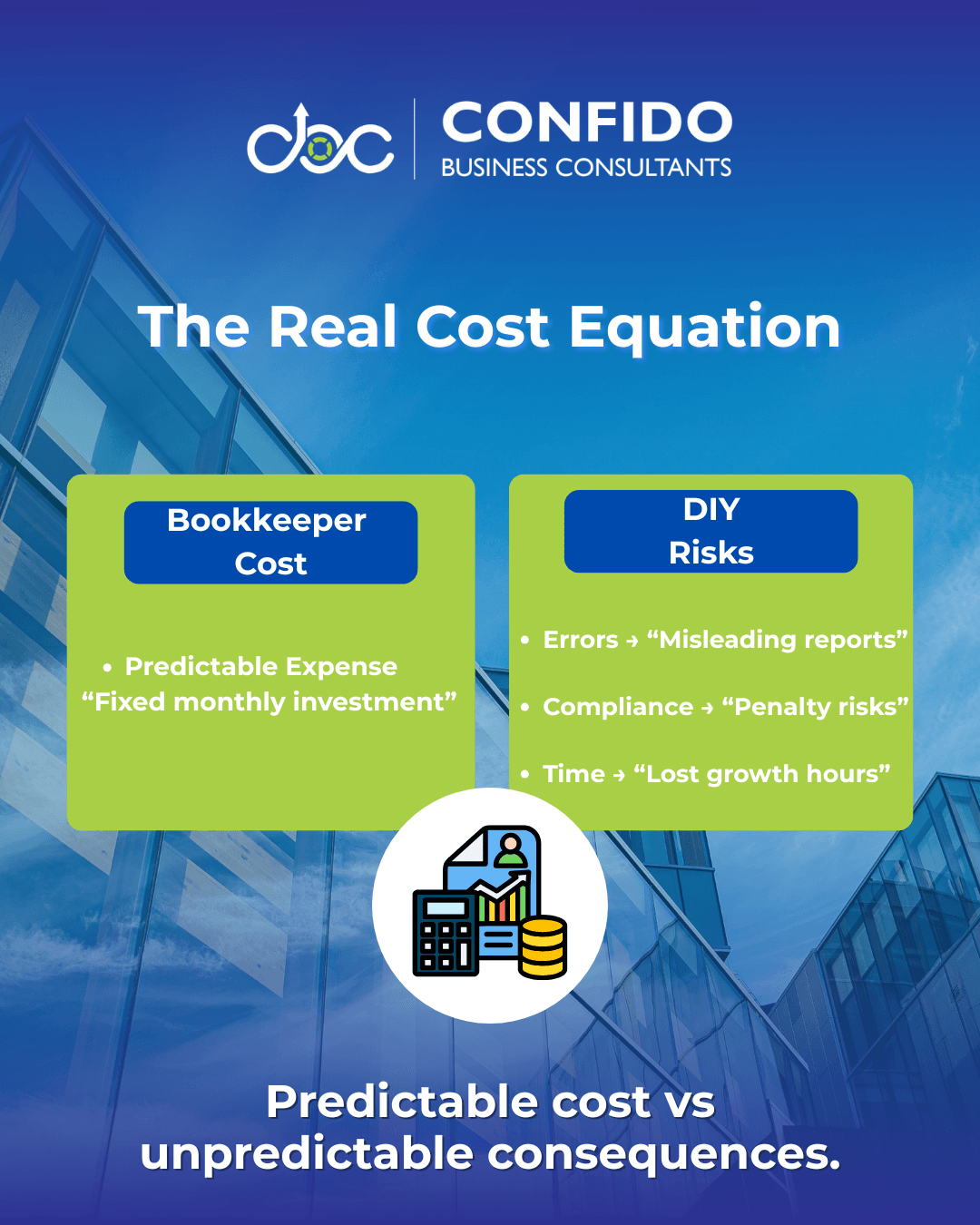
Cost vs Risk FramingFor many small business owners, the hesitation around hiring a bookkeeper isn’t about understanding the value. It’s about cost. The question often becomes: “Is paying for professional bookkeeping really justified when QuickBooks already exists?” This is the right question to ask. But it needs to be evaluated through a broader lens. Because bookkeeping is not purely a cost decision. It is a risk decision. Cost of a Bookkeeper vs Cost of ErrorsA bookkeeper represents a predictable expense. Bookkeeping errors represent unpredictable consequences. Common financial inaccuracies can lead to: Overstated or understated profits These mistakes rarely produce immediate alarms. Instead, they distort decision-making quietly. For example: Underreported expenses → Higher tax liability A bookkeeper prevents small errors from becoming expensive surprises. Penalties & Misreporting RisksCompliance mistakes are where financial errors become costly. Incorrect records can contribute to: Tax filing discrepancies Penalties, interest, and corrective filings often cost far more than ongoing professional bookkeeping services. QuickBooks enables compliance workflows. Expert oversight reduces exposure to avoidable regulatory risks. The Time Drain Most Owners IgnoreTime is the hidden cost in DIY bookkeeping QuickBooks setups. Bookkeeping tasks consume: Reconciliation hours This time is typically drawn from: Sales efforts The opportunity cost compounds: Hours spent debugging QuickBooks entries Many founders underestimate how bookkeeping workload expands as businesses grow. Automation reduces manual work. The Practical RealityBookkeeping costs are visible. Financial risks and time drain are often invisible until consequences appear. 👉 Professional bookkeeping is rarely about replacing software.
|
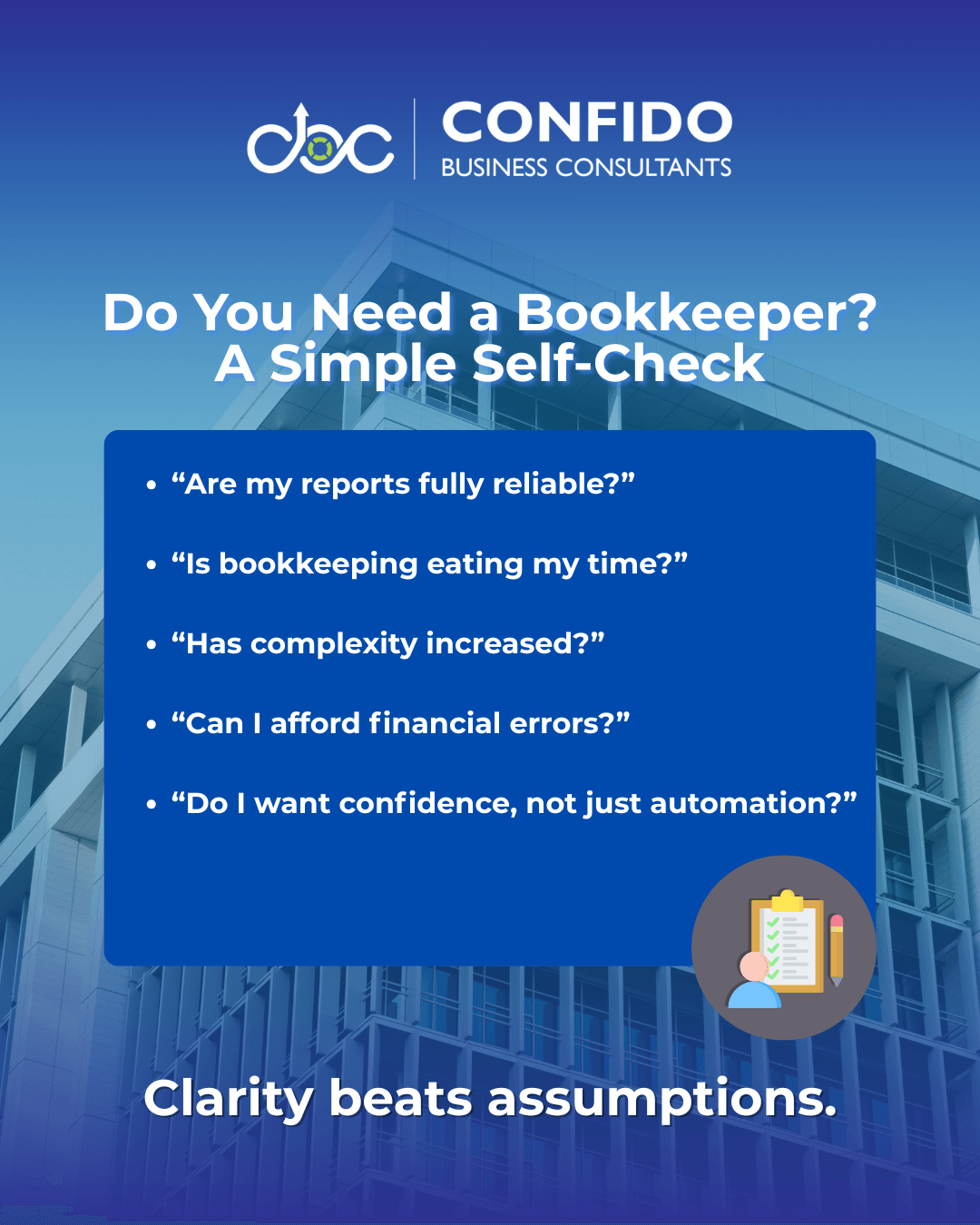
Practical Decision FrameworkAt this stage, the question is no longer theoretical. You understand what QuickBooks can do. Now the decision becomes practical. Rather than relying on instinct, use the framework below to evaluate your situation objectively. Ask yourself these five questions. 1. Are My Financial Reports Truly Reliable?QuickBooks generates reports instantly. But are you confident that: Transactions are categorized correctly? If there is hesitation here, bookkeeping accuracy may already be vulnerable. Reports that look polished can still be misleading. 2. Is Bookkeeping Consuming Too Much of My Time?Consider your monthly workload. How many hours are spent: Reviewing transactions If bookkeeping regularly pulls attention away from sales, operations, or strategy, the hidden cost may outweigh the savings. 3. Has My Business Complexity Increased?Ask honestly: Revenue growing? Complexity compounds faster than effort. QuickBooks handles volume. 4. What Would a Financial Mistake Cost Me?Estimate potential consequences: Tax misreporting Even small bookkeeping errors can influence: Tax liabilities Risk evaluation often clarifies the value of expertise. 5. Do I Want Bookkeeping Efficiency or Bookkeeping Confidence?QuickBooks provides efficiency. A bookkeeper provides confidence. This is not about replacing software. For many businesses, the shift happens when peace of mind becomes more valuable than DIY control. Decision InsightMostly “Yes” answers → Professional bookkeeping likely adds immediate value. The goal is not outsourcing for its own sake. 👉 It is aligning your bookkeeping model with your business reality.
|
ConclusionQuickBooks is one of the best tools a small business can use. It improves efficiency, simplifies workflows, and provides valuable financial visibility. But software alone does not guarantee accuracy. Bookkeeping is not just about recording transactions. It’s about ensuring those records are correct, consistent, and meaningful for decision-making and compliance. For some businesses, DIY bookkeeping with QuickBooks works well, especially in early or low-complexity stages. For many others, growth introduces risks that automation alone cannot fully manage. The real decision is not: QuickBooks or bookkeeper. It is: 👉 QuickBooks with or without expert oversight. When bookkeeping accuracy influences taxes, payroll, cash flow, and business decisions, confidence becomes more valuable than convenience. If you’re unsure whether your current QuickBooks setup is truly working for your business, a professional review often brings immediate clarity. No assumptions. No guesswork. Just a clear assessment of where things stand. If you’d like to evaluate your bookkeeping structure, reporting accuracy, or compliance readiness, Confido can help you make sense of it quickly and practically. 👉 https://consultconfido.com/contact-us/
Frequently Asked QuestionsCan QuickBooks replace a bookkeeper?No, in most cases QuickBooks cannot fully replace a bookkeeper. QuickBooks automates transaction recording, generates reports, and simplifies workflows. However, it does not apply professional judgment, validate accuracy, or proactively detect financial inconsistencies. A bookkeeper ensures your QuickBooks data is correctly categorized, reconciled, and compliant. The software processes data. The expert ensures it is reliable.
Is QuickBooks enough for small business accounting?It depends on the stage and complexity of your business. For freelancers or very small businesses with limited transactions, QuickBooks may be sufficient if records are maintained carefully and reconciled regularly. As revenue grows, employees are added, or tax complexity increases, software alone often becomes insufficient. At that point, professional bookkeeping oversight becomes essential to maintain financial clarity and compliance.
What mistakes do small businesses make in QuickBooks?Common QuickBooks mistakes include:
These issues often go unnoticed for months and surface during tax filing or cash flow challenges. Regular review significantly reduces these risks.
Is hiring a bookkeeper worth it if I use software?For many growing businesses, yes. Hiring a bookkeeper is not about replacing QuickBooks. It is about ensuring QuickBooks is used correctly. The value comes from: Improved accuracy When the cost of errors or time loss exceeds the cost of oversight, professional bookkeeping becomes a smart investment. When should I stop DIY bookkeeping?You should reconsider DIY bookkeeping when: Your transaction volume increases significantly DIY works in early stages. As complexity grows, structured professional support provides stability.
Does QuickBooks help with tax compliance?QuickBooks supports tax workflows by organizing financial data, tracking sales tax, and generating reports. However, it does not guarantee compliance accuracy. Tax regulations, classification decisions, and payroll obligations require human understanding. Clean bookkeeping within QuickBooks makes tax filing smoother. Professional oversight reduces compliance risk.
If you are unsure whether your QuickBooks setup is fully optimized, a structured review can quickly highlight gaps and improvement areas. |
Soft but confident. |